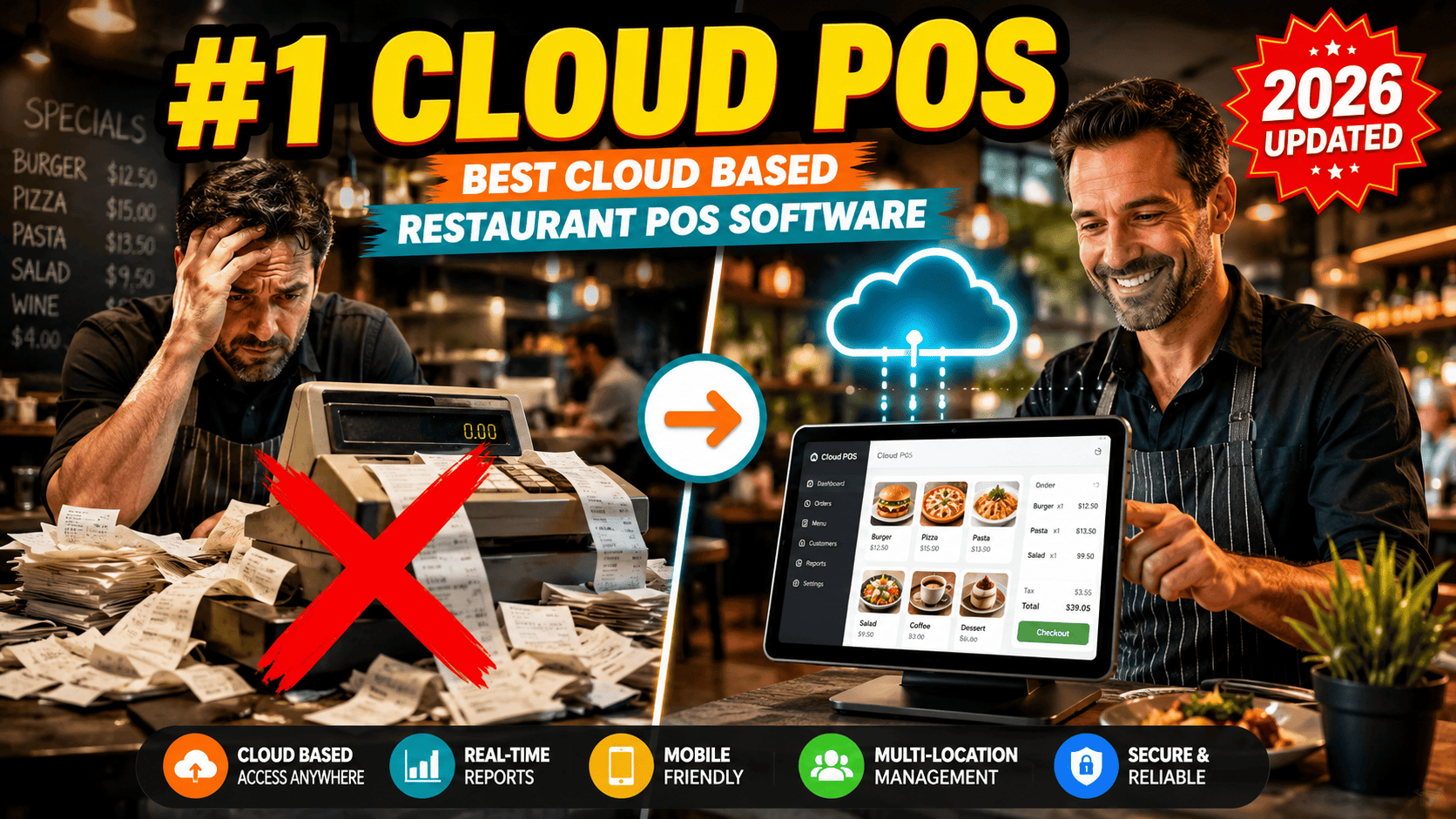
Best Cloud Based Restaurant POS Software (2026)
Running a restaurant today means juggling orders, staff, inventory, and customer expectations all at once — often across more than one location. This is exactly why so many owners are switching to a cloud based restaurant POS system instead of sticking with old-fashioned, on-premise registers.
In this guide, we'll break down what cloud based restaurant POS systems actually are, why they matter, how they compare on features like inventory management, and which platforms deserve a spot on your shortlist in 2026 — including a closer look at KwickPOS.
What Is a Cloud Based Restaurant POS System?
A cloud based restaurant POS system is point-of-sale software that stores your data on remote servers instead of a single in-house computer. Orders, sales, payments, and menu information sync in real time over the internet, so you can check your restaurant's performance from your phone whether you're on-site or on the other side of the world.
This is very different from legacy, on-premise POS terminals, which store everything locally and usually require expensive hardware and IT support just to make a small menu change. According to the Wikipedia entry on point-of-sale systems, modern POS platforms have evolved from simple cash registers into complete business-management hubs — and cloud technology is the biggest driver of that shift.
For restaurant owners, this means a cloud based POS software for restaurants isn't just a checkout tool anymore. It's the operational backbone that connects your front-of-house, kitchen, inventory, and reporting in one place.
Advantages of a Cloud Based POS Platform for Restaurants
The advantages of a cloud based POS platform for restaurants go well beyond convenience. Here's what owners actually notice after switching:
• Remote access anytime — View sales, labor costs, and reports from any device with internet access.
• Automatic updates — New features and security patches roll out without manual installs or downtime.
• Lower upfront cost — Most cloud based restaurant POS systems run on subscription pricing, avoiding huge hardware investments.
• Real-time syncing — Menu changes, price updates, and 86'd items reflect instantly across every terminal and location.
• Better data security — Cloud providers typically follow strict compliance standards, including guidance from the PCI Security Standards Council, to protect customer payment data.
• Scalability — Adding a new terminal, location, or delivery channel is usually just a configuration change, not a hardware overhaul.
These benefits explain why cloud based pos systems for restaurants have become the default choice for new restaurant openings, not just an upgrade path for old ones.
Comparing Cloud-Based Restaurant POS Systems With Inventory Management Features
If you want to compare cloud-based restaurant POS systems with inventory management capabilities, focus on these criteria:
1. Real-time stock tracking — Does the system automatically deduct ingredients as items sell?
2. Low-stock alerts — Are you notified before you run out of key ingredients?
3. Vendor and purchase order management — Can you reorder directly from the dashboard?
4. Recipe-level costing — Does it calculate food cost per dish, not just per sale?
5. Multi-location inventory visibility — Can a manager see stock levels across every branch from one screen?
Not every platform handles inventory the same way. Some treat it as a bolt-on feature, while the strongest cloud based restaurant POS systems build inventory management into the core of the software, so sales data and stock levels are always in sync without manual entry.
Best Cloud-Based POS Systems for Restaurants in 2026
There's no shortage of options, but here are some of the best cloud-based POS systems for restaurants worth evaluating this year:
• KwickPOS — A strong all-in-one option, the KwickPOS cloud based restaurant POS system is known for combining order management, kitchen display integration, and inventory tracking at a competitive price point, making it popular with independent restaurants and small chains.
• Toast POS — Built specifically for restaurants, with strong hardware bundles and reporting.
• Square for Restaurants — Easy to set up, ideal for smaller cafes and quick-service spots.
• Lightspeed Restaurant — Known for detailed inventory and menu management tools.
• TouchBistro — Popular with full-service restaurants that need tableside ordering.
When people ask which is the best cloud based POS systems for restaurants, the honest answer is: it depends on your restaurant's size, service style, and budget. A food truck and a five-location brewery chain have very different needs, which is why shortlisting 2–3 platforms and requesting live demos is always worth the time.
Best Cloud-Based POS for Multi-Location Restaurants
If you operate more than one location, look specifically for the best cloud-based POS for multi-location restaurants. The right system should offer:
• Centralized menu and pricing control across all branches
• Consolidated sales and labor reporting by location
• Role-based access so managers only see their own branch data
• Franchise-friendly permission settings for owners and corporate teams
Multi-location restaurants also benefit heavily from cloud based reporting dashboards, since owners can compare performance between branches instantly instead of waiting on end-of-day paper reports.
How to Implement Cloud-Based Restaurant POS Systems in Breweries
Breweries have unique needs — taproom service, growler fills, distribution tracking, and sometimes food service all under one roof. Here's how to implement cloud-based restaurant POS systems in breweries successfully:
1. Map your service points — Identify every place a transaction happens: taproom bar, food counter, to-go sales, and events.
2. Choose a system with beverage-specific inventory tracking — You need keg-level and pour-cost tracking, not just plate counts.
3. Integrate with your brewing or distribution software — Look for POS platforms with open APIs so taproom sales sync with production data.
4. Train staff on tableside and bar-side ordering — Cloud based tablets speed up service during busy tasting events.
5. Test during a low-traffic period — Run the new system alongside your old one for a few days before fully switching over.
6. Review reporting after 30 days — Confirm pour costs, waste tracking, and sales trends are accurate before scaling to additional taprooms.
Getting this rollout right early prevents costly reconciliation headaches later, especially once a brewery starts distributing to multiple venues.
Choosing the Right Cloud Based Restaurant POS Software
Before signing a contract, walk through this checklist:
• Does it support the hardware you already own, or will you need new terminals?
• What's included in the subscription versus paid as an add-on?
• Is customer support available 24/7, including holidays and weekends?
• Can it integrate with your accounting, payroll, and online ordering tools?
• Does the vendor have verified reviews from restaurants similar in size to yours?
Final Thoughts
A cloud based restaurant POS system isn't just a checkout upgrade — it's a foundation for smarter reporting, tighter inventory control, and easier multi-location management. Whether you're comparing KwickPOS, Toast, or another platform, the goal stays the same: pick software that fits how your restaurant actually operates, not just what looks good in a sales demo.